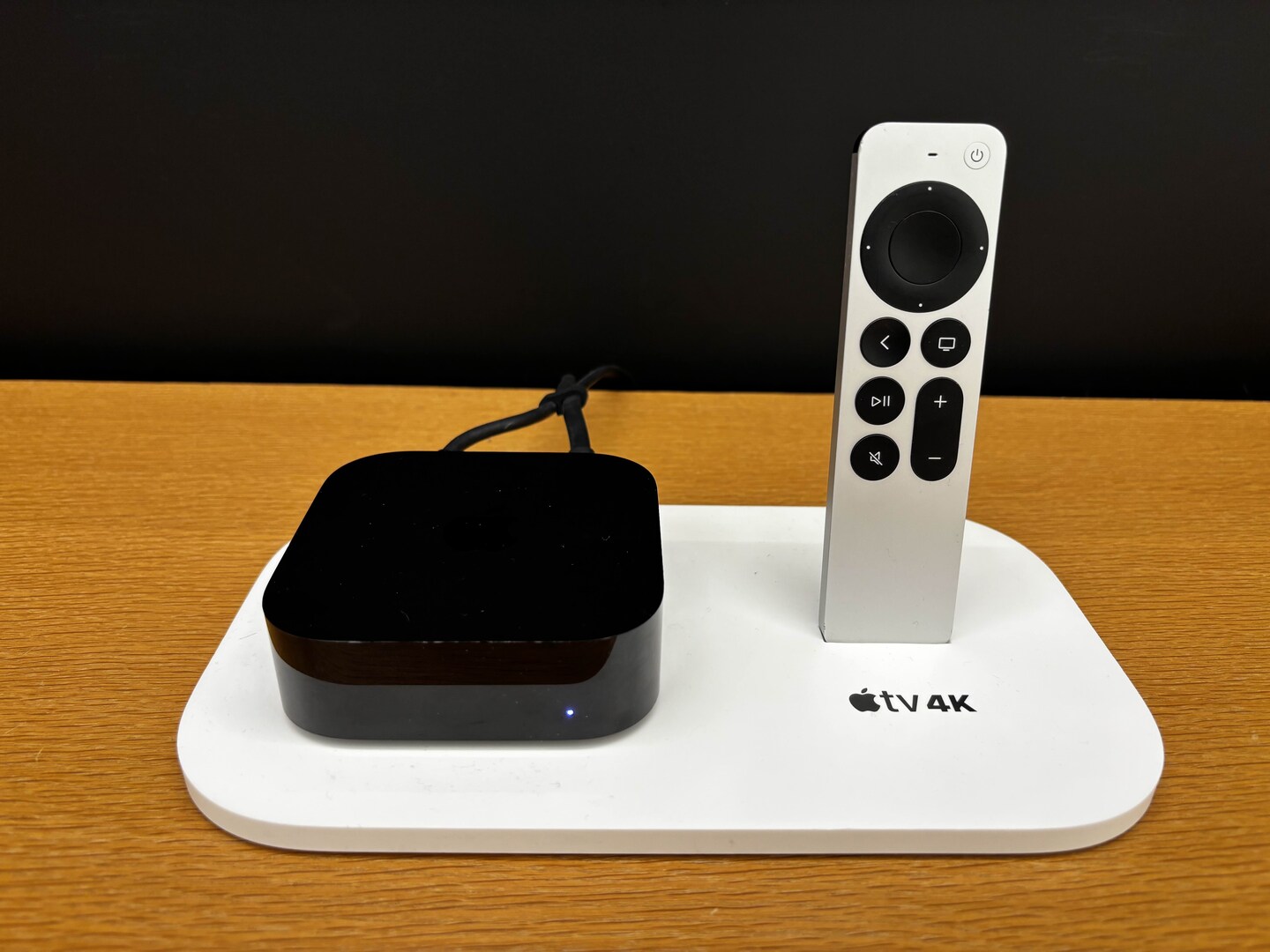
If someone switches to your profile in the Apple TV app, a four-digit code can keep them out of your watchlist, viewing history and recommendations. The catch is that the code protects that profile inside the Apple TV app. It doesn’t lock every other streaming app on the box. Apple’s Apple TV 4K settings guide.
Where to turn it on
On Apple TV 4K, open Settings → Apps → TV, choose your profile, then go to Restrictions → Require 4-Digit Code. Apple may ask you to verify your account before you create the code. After setting it, switch away from your profile and back to confirm the prompt appears.
What to set up separately
If your concern is what someone can watch, download or buy, Apple documents separate device restrictions. For content inside another streaming app, check that app’s own parental controls. A profile PIN and a content restriction solve different problems. Apple’s parental controls guide.
The upgrade call
If a profile PIN is the reason you’re looking at the new box, check your existing Apple TV first. The new model’s Find My remote is a separate reason to upgrade, not a fix for app-level privacy. Apple’s launch announcement.
Editorial note: Reporting is based on Apple documentation, not hands-on testing.