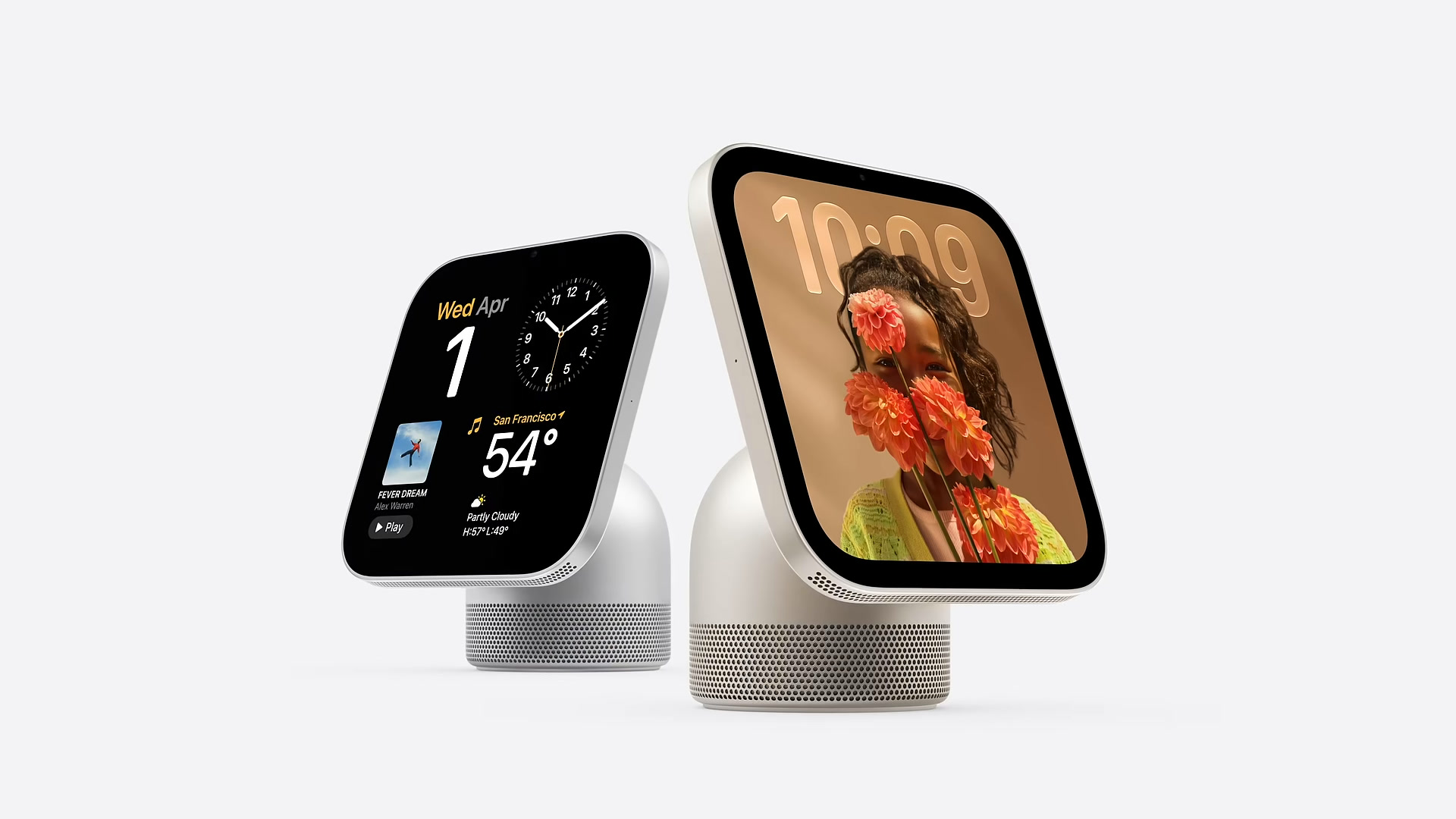
What happens when someone else walks up?
HomeView can recognize up to six household members and show personalized Calendar, Reminders and other supported content. Apple says personal content appears only when HomeView recognizes you and your paired iPhone or iPad is present and recently unlocked. Setup and multiuser features need a compatible device on current software; personal-context requests have stricter Apple Intelligence requirements.
Tabletop or wall-mounted?
Both models have a 7-inch display and a 12MP camera, but the power setup and what you get in the box differ.
| Feature | Tabletop | Wall-mounted |
|---|---|---|
| Display price | US$299 | US$299 |
| Display and camera | 7-inch, 12MP | 7-inch, 12MP |
| Power and audio | 30W adapter and cable included; built-in woofer | Mount sold separately. Apple also lists a USB-C cable and at least 20W adapter as sold separately. |
| Display + mount | US$299; no mount needed | US$358.95 with the lowest-priced listed US$59.95 mount |
The US$358.95 figure is the display plus Apple’s lowest-priced listed mount, before tax, any required cable or adapter not included with that power setup, and installation. See Apple’s U.S. pricing and technical specifications.
Who should buy it?
It makes the most sense in a household already using Apple Home, with a common spot where someone would use a shared screen most days. Before buying, spend a few days using the Home app on a spare iPad in the same spot. If you mainly want a speaker and voice controls, consider a HomePod mini instead.
Apple’s November 13 launch covered Australia, Canada, India, New Zealand, Singapore, the UK, and the U.S. Check the local Apple Store before assuming availability or features match the U.S.
Editorial note: This buying guide is based on published specifications and pricing, not hands-on testing. See the sources next to the comparison above.